


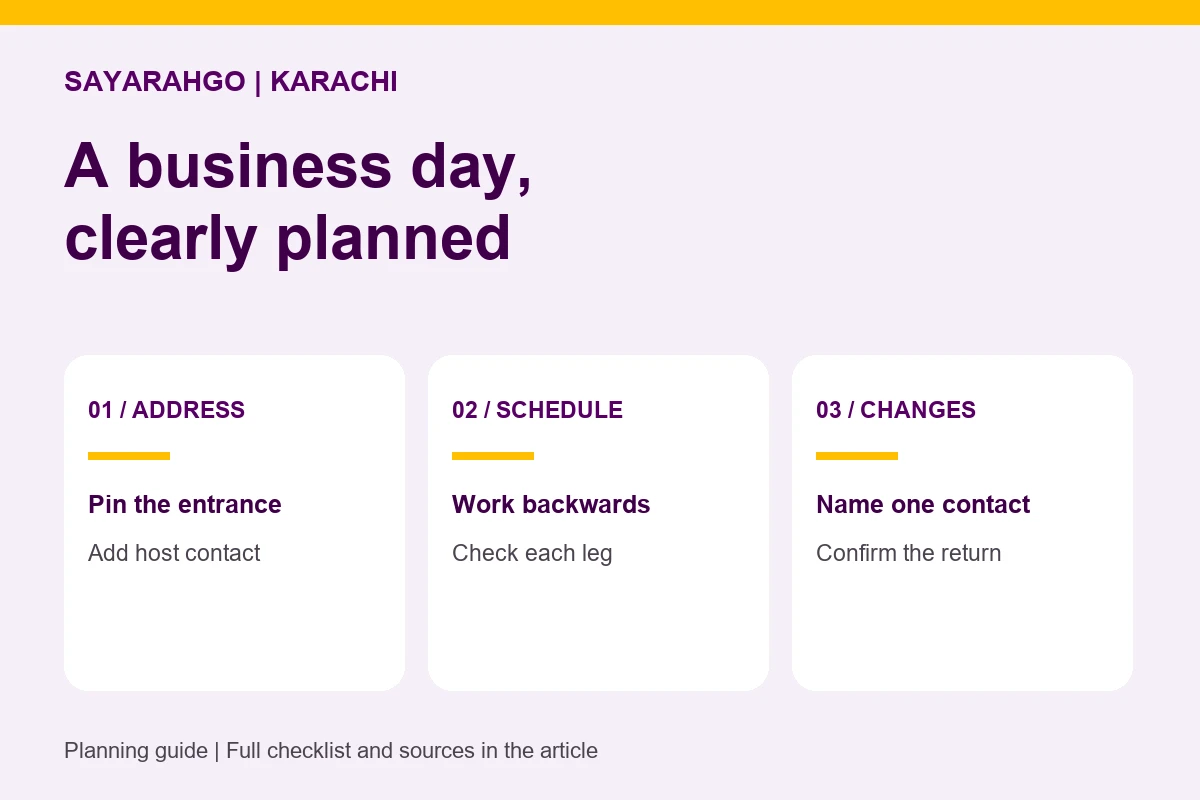
A business-day booking needs more than three place names. Give your chauffeur the exact entrances, the time you need to be inside each meeting, and the person to contact if the schedule changes. Keep those details in one brief so a revised appointment does not leave everyone working from a different itinerary.
Start with the appointments that cannot move
Separate fixed meeting times from flexible stops. A document collection may be moved; a client presentation may not. Confirm the expected finish of each meeting, then check whether the next journey fits. If it does not, move the flexible stop or change the appointment before booking transport.
Share the full address, map pin, building name and gate or reception instructions.
From the next arrival deadline, allow for the drive and a separate buffer for access and delays.
Name one person who can confirm a revised stop, pickup or return plan.
A three-appointment worksheet
The following is a hypothetical brief for a visitor staying in Karachi. The times are sample meeting deadlines, not tested driving times or a recommended route. Replace each area with the actual address and confirm feasibility before booking.
| Stop | Be inside by | Confirm before travel |
|---|---|---|
| 1. Shahrah-e-Faisal office | 10:00 AM | Reception entrance, host contact, meeting finish and next pickup. |
| 2. Clifton client meeting | 1:00 PM | Exact building and gate, visitor access and expected finish. |
| 3. DHA appointment | 4:00 PM | Full address, passenger contact and return destination. |
Do not send only “DHA” or “Clifton.” A neighbourhood identifies an area, not a pickup point. If the map pin and street address disagree, resolve that with your host before sharing the brief.
Check each leg at the time you plan to travel
Google Maps supports changing a driving journey’s departure or arrival time to account for estimated traffic. Its desktop guidance says that time setting works for a route with one destination. Check each meeting-to-meeting leg separately at its intended time, rather than treating a multi-stop route calculated now as an afternoon forecast. Source: Google Maps route-planning help, checked on 28 September 2026.
Use the estimate as a planning input. Road conditions, building access and a meeting that runs over can still change the day. Ask your local host about the correct entrance and any access procedure; a navigation app cannot confirm your visitor arrangements.
A simple departure calculation
Next meeting arrival deadline − estimated drive − your chosen buffer = latest planned departure.
Hypothetical example: 1:00 PM − 40 minutes − 20 minutes = 12:00 noon. The 40-minute drive and 20-minute buffer are assumptions for explaining the calculation, not Karachi journey estimates or sufficient allowances for every trip.
If meeting 1 is due to finish after that planned departure, the itinerary does not fit those assumptions. Change the meeting, its finish time or the route plan. A premium car cannot recover time already committed elsewhere.
Copy this into your booking brief
- Date, passenger names and a reachable passenger number.
- First pickup: full address, entrance, map pin and requested pickup time.
- Each stop: arrival deadline, expected finish and local host contact.
- Passenger count, luggage sizes and any particular vehicle requirements.
- Final destination and whether a return journey is needed.
- Booker contact, passenger contact and who can approve changes.
For a visiting colleague, send them the final brief as well as the booking confirmation. If a meeting changes, update the full itinerary with a clear revision time and contact the team. Check whether the revised stop and duration can be accommodated, including any price change.
Confirm the booking, not just the route
Review the available vehicle category, fare, waiting arrangements, extra-stop terms and cancellation conditions before confirming. Do not assume the car remains available between meetings unless that arrangement is agreed.
Explore SayarahGo corporate chauffeur travel in Karachi, then check your journey in the Pakistan booking form. For help with a multi-stop brief, message SayarahGo Pakistan or email support@sayarahgo.com.